 Henrique Matos
October 24, 2026 · 2 min read
The model is the engine. The harness is the car.
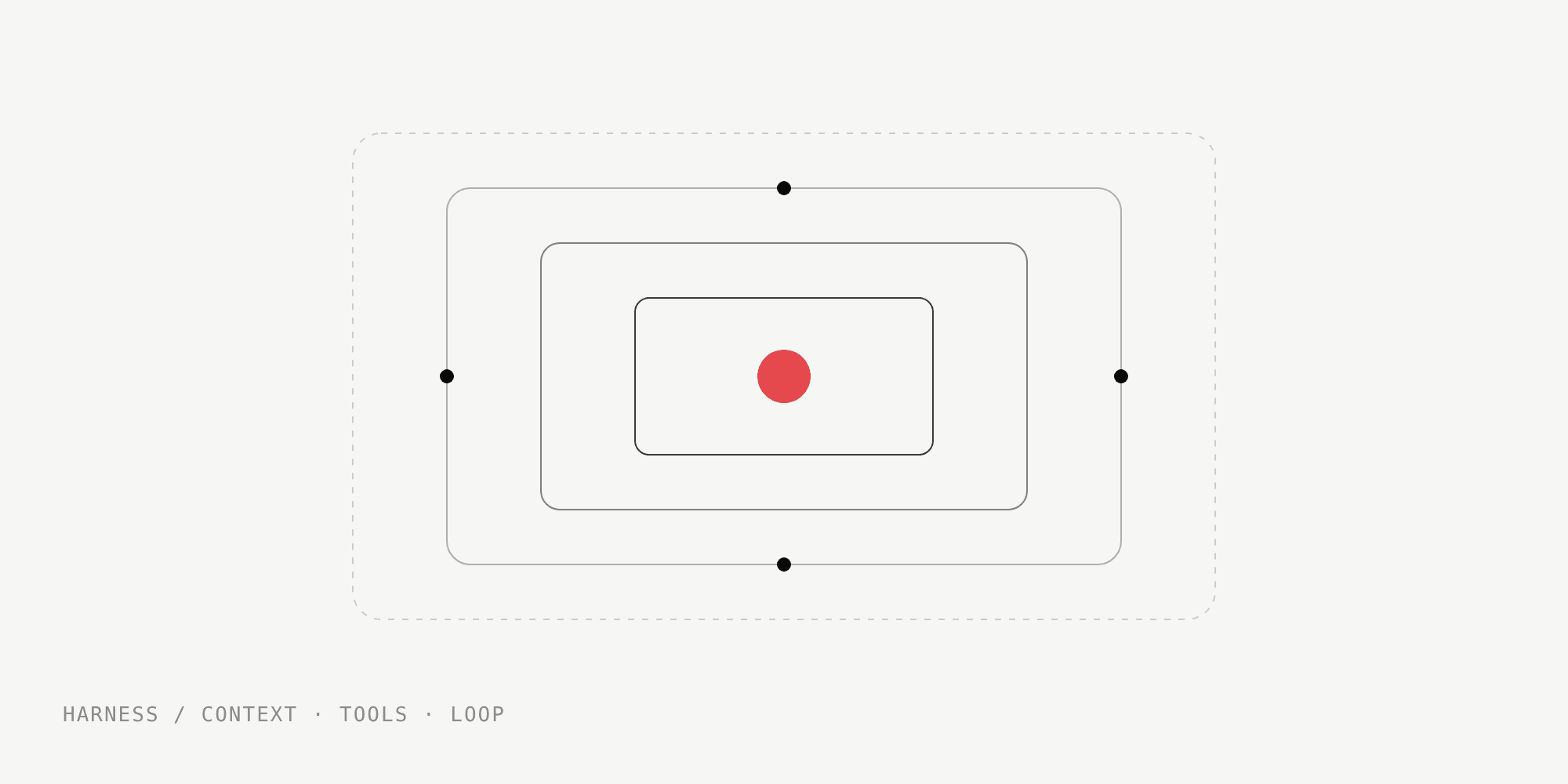
Every month a new model claims to be the best in the world. And almost every month, what actually changes my day is something else: the harness, the layer around the model that decides what it sees, what it can do and when it stops.
What a harness is
A model on its own takes text in and puts text out. The harness turns that into an agent that does work: the loop that calls the model again after each action, the tools (read a file, run a command, open a PR), the context that goes into each call, the permissions and the memory between sessions. Claude Code, Cursor and Codex are harnesses. The same model in different harnesses feels like a different product.
What I set up in mine
- Project instructions. A file at the repo root with the conventions, the build commands and what never to do. It's the onboarding I'd give a new dev, written once.
- Skills. Procedures I repeat become reusable instructions. This blog is an example: the post you're reading was reviewed, translated and published by skills that call the site's content API.
- Permissions. The agent can read whatever it wants, but deploys, deletes and anything that touches production on my VPS go through me.
- Hooks. Lint and tests run on their own after every edit, so the agent sees the error before I do.
Why it matters more than the model
Switching models is one line of config. A good harness is accumulated knowledge about your project, and it makes any model you put inside it better. It's the same logic as infrastructure: the fastest server won't save a deploy with no monitoring.
When it's not worth it
For a one-off question or a ten-line script, plain chat is enough and setting things up is wasted time. The harness pays off when the work repeats: the same repo, the same flows, week after week.
If you use coding agents today, my advice is simple: before switching models, write your project's instructions file. My Harness page lists the tools I use every day.